
Ah, popups – the bane of every internet user’s existence, right? Those pesky little windows that seem to appear out of nowhere, interrupt your browsing experience. But hold on, not all popups are created equal. In the world of WordPress, popups can be a powerful tool for growing your email list, promoting special offers, or even just saying hello to your visitors.
The key is finding the right popup plugin that strikes the perfect balance between being attention-grabbing and user-friendly. That’s where this article comes in. We’ve scoured the depths of the WordPress plugin repository to bring you the cream of the crop – the best WordPress popup plugins that will help you achieve your goals without driving your visitors up the wall.
Get ready to take your WordPress site to new heights, all while keeping your visitors happy and engaged.
What are WordPress Popup Plugins?
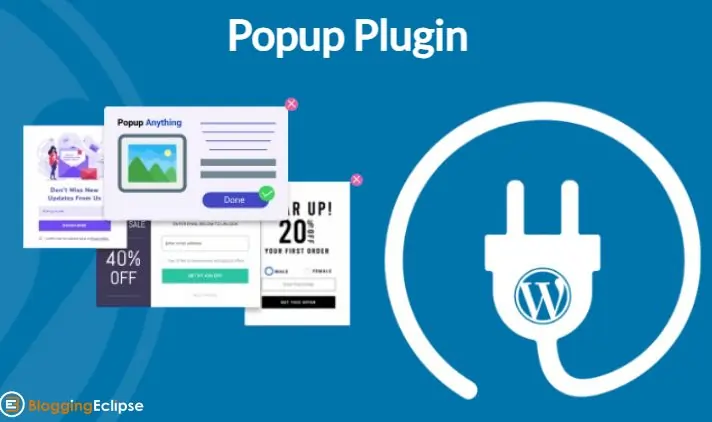
WordPress popup plugins are tools that allow you to create modal windows or lightboxes that appear on your website, either automatically or triggered by specific user actions. These pop-ups can serve various purposes, such as capturing email subscribers, promoting special offers, displaying important announcements, or even just welcoming visitors to your site.
With a wide range of customization options, popup plugins give you control over the design, timing, and targeting of these overlays, helping you engage with your audience more effectively.
Best WordPress Popup Plugins
| Plugin | Free Version | Paid Plans | Key Features | Ratings |
|---|---|---|---|---|
| OptinMonster | Yes (limited) | $9 – $49/month | Exit-intent popups, A/B testing, advanced targeting, integrations | 4.8/5 (600+ reviews) |
| Bloom | No | $89/year or $249 one-time | 6 opt-in types, inline forms, A/B testing, email integrations | 4.5/5 (200+ reviews) |
| MailOptin | Yes | $99 – $499/year | Lightbox popups, A/B testing, exit-intent, automated newsletters, page-level targeting | 4.6/5 (150+ reviews) |
| Popup Maker | Yes | $28.88 one-time | Unlimited popups, conversion analytics, form integrations | 4.7/5 (300+ reviews) |
| Icegram | Yes | $97 – $297/year | Exit-intent, scroll triggers, A/B testing, advanced animations | 4.9/5 (100+ reviews) |
| Hustle | Yes (limited) | $199/year | Slide-ins, embeds, social sharing, behavior tracking | 4.6/5 (100+ reviews) |
| Convertful | No | $58 – $348/year | Drag & drop builder, countdown timers, gamification | 4.7/5 (50+ reviews) |
| Layered Popups | Yes | $67 one-time | Multi-layer popups, animations, scheduling | 4.5/5 (40+ reviews) |
| Popup Builder | Yes | $39 – $249/year | Popup templates, A/B testing, analytics | 4.4/5 (70+ reviews) |
| Unbounce | No | $80 – $300/month | Landing pages, sticky bars, popups, AI builder | 4.6/5 (400+ reviews) |
| Sumo | Yes (limited) | $39 – $489/year | Welcome mats, scroll boxes, smart bars, heat maps | 4.4/5 (200+ reviews) |
| Ninja Popups | Yes | $27 – $97/year | Popup animations, triggers, A/B testing | 4.6/5 (60+ reviews) |
| Popupsmart | Yes | $47 one-time | Exit popups, scroll triggers, analytics | 4.2/5 (30+ reviews) |
1. OptinMonster
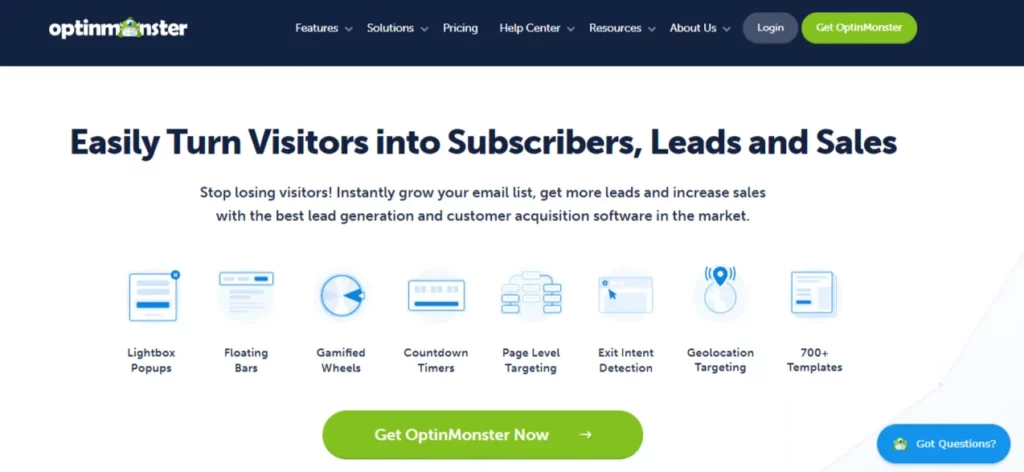
OptinMonster is a premier lead generation and conversion optimization tool, trusted by over 1.2 million websites to boost email subscriptions, sales, and conversions. OptinMonster is a powerful and versatile popup plugin for WordPress. It offers a drag-and-drop builder that makes creating stunning popups a breeze, even for non-designers.
With advanced targeting options, you can display popups based on user behavior, location, device, and more. OptinMonster also provides detailed analytics, A/B testing capabilities, and integrations with popular email marketing services, making it a comprehensive solution for growing your email list and boosting conversions.
OptinMonster Key Features
OptinMonster Pricing
OptinMonster offers four pricing plans: Basic at $9/month, Plus at $19/month, Pro at $29/month, and Growth at $49/month, all billed annually. OptinMonster does not offer a free plan but provides a 14-day money-back guarantee for all paid plans.
2. Bloom
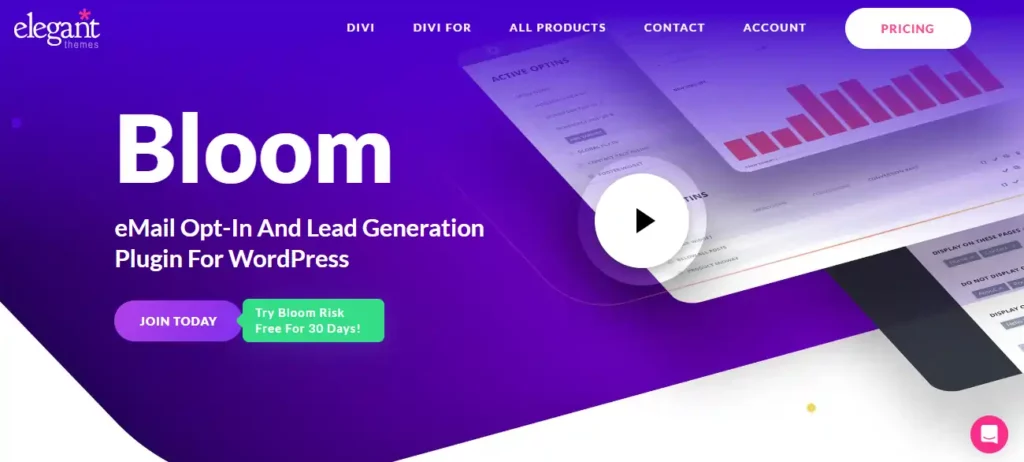
Bloom, developed by Elegant Themes, is a powerful WordPress plugin designed to enhance email marketing efforts by creating attractive opt-in forms. It offers six different form types, including pop-ups, fly-ins, and inline forms, which can be customized using over 100 pre-made templates. Bloom integrates with 19 popular email marketing services, ensuring seamless connectivity.
The plugin provides advanced targeting and trigger options, such as time delays, scroll depth, and user inactivity, to optimize form display and boost conversions. While Bloom lacks a drag-and-drop builder and exit-intent popups, its extensive features and ease of use make it a valuable tool for growing email lists.
Bloom Key Features
Bloom Pricing
According to the pricing page on bloom.io, Bloom offers four pricing plans: Starter at $7/month, Standard at $17/month, Plus at $33/month, and additional storage upgrades at $10/month.
3. MailOptin

MailOptin is a lead generation and email automation plugin for WordPress, trusted by thousands of businesses, bloggers, and WooCommerce store owners to boost conversions and grow their email lists. MailOptin makes it easy for anyone to create beautiful, high-converting popups using its intuitive drag-and-drop builder.
With advanced targeting and trigger rules, MailOptin ensures that your popups appear at the right moment and to the right audience. You can show campaigns based on exit intent, scroll depth, time on page, WooCommerce cart behavior, device type, and more.
Combined with built-in analytics, A/B testing, and seamless integrations with major email marketing platforms, MailOptin provides a complete solution for converting website visitors into subscribers and customers.
MailOptin Key Features
MailOptin Pricing
MailOptin starts at $99/year. A free version is also available in the WordPress plugin directory, making it easy to get started at no cost.
4. Popup Maker
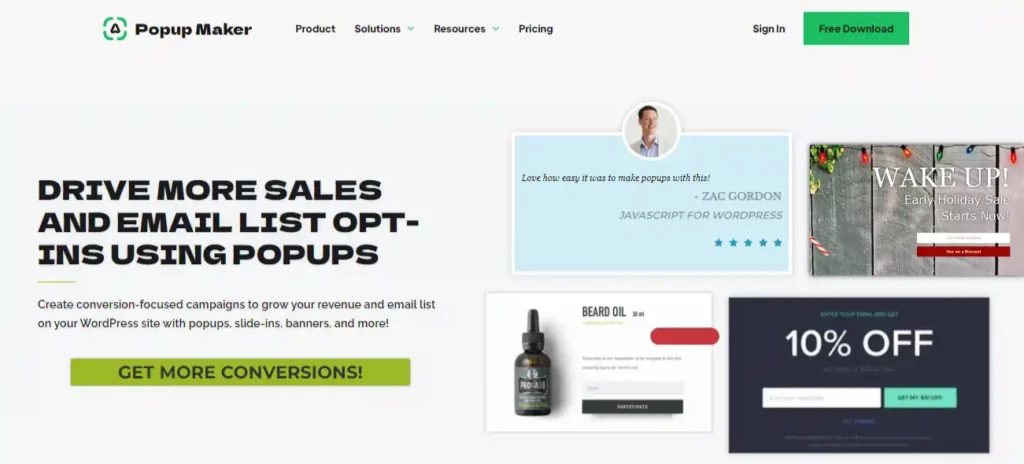
Popup Maker is a versatile WordPress plugin designed to create and manage pop-ups effectively. It offers a range of customization options, users to control the appearance, behavior, and triggers for their pop-ups. With Popup Maker, you can create various types of pop-ups, including lightbox, slide-in, and notification pop-ups.
The plugin integrates with popular form builders like WPForms, Gravity Forms, and Ninja Forms, enhancing its functionality. The free version provides essential features, and premium plans unlock advanced targeting, analytics, and exit-intent triggers, making it a scalable solution for businesses of all sizes.
Popup Maker Key Features
Popup Maker Pricing
The Popup Maker pricing plan offers a Personal license for $39.99/year and a Developer license for $99.99/year, with additional add-ons available.
5. Icegram
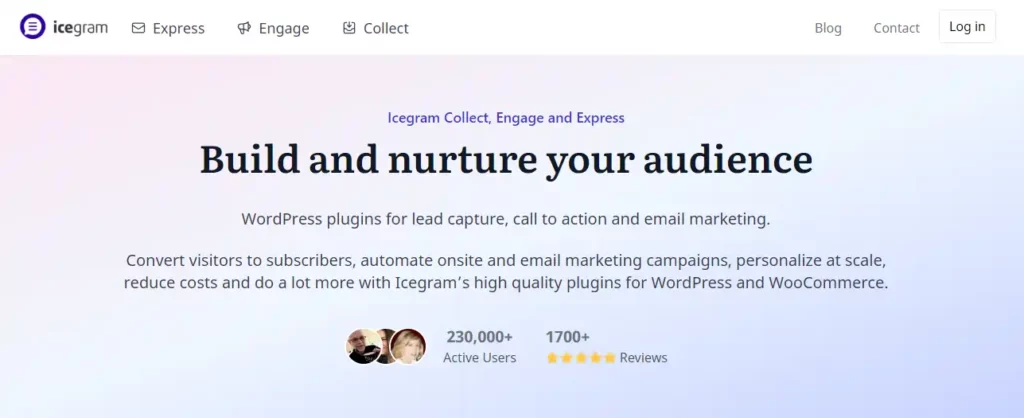
Icegram is a WordPress plugin designed for lead generation and email marketing. It offers a suite of tools, including Icegram Engage for creating popups, action bars, and on-site messages, and Icegram Express for email newsletters and marketing automation. With advanced targeting options, users can display messages to specific audiences based on behavior, location, and device.
Icegram also provides over 50 high-converting templates and supports custom CSS and JS for personalized designs. While the free version includes basic features, premium plans unlock advanced functionalities like automation and detailed analytics, making it a versatile solution for businesses of all sizes.
Icegram Key Features
Icegram Pricing
Icegram offers 2 paid plans including the Starter $0 forever, Pro $129 per year, and Max $229 per year.
6. Hustle
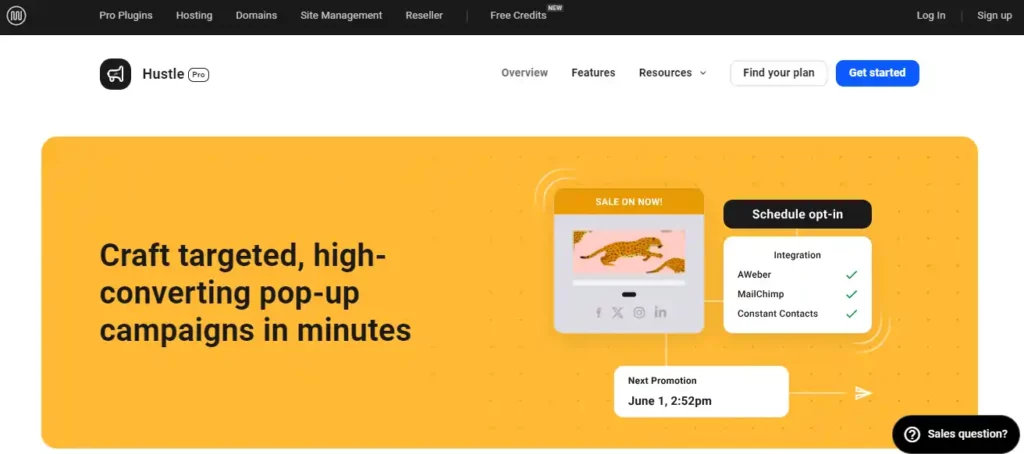
Hustle, developed by WPMU DEV, is a complete marketing plugin designed to enhance lead generation and email marketing efforts on WordPress sites. Integrating Hustle into your business is straightforward; install the plugin, choose from various pre-designed templates, and customize pop-ups, slide-ins, and embeds to match your branding.
Hustle supports advanced targeting options, including time, scroll, and click triggers, ensuring your messages reach the right audience. With over 100,000 active installations and a 4.4 out of 5 rating on WordPress, Hustle is a reliable choice for enhancing user engagement and growing your email list.
Hustle Key Features
Hustle Pricing
The Hustle WordPress plugin is available from the price of $3 per month and goes up to $20 per month.
7. Convertful
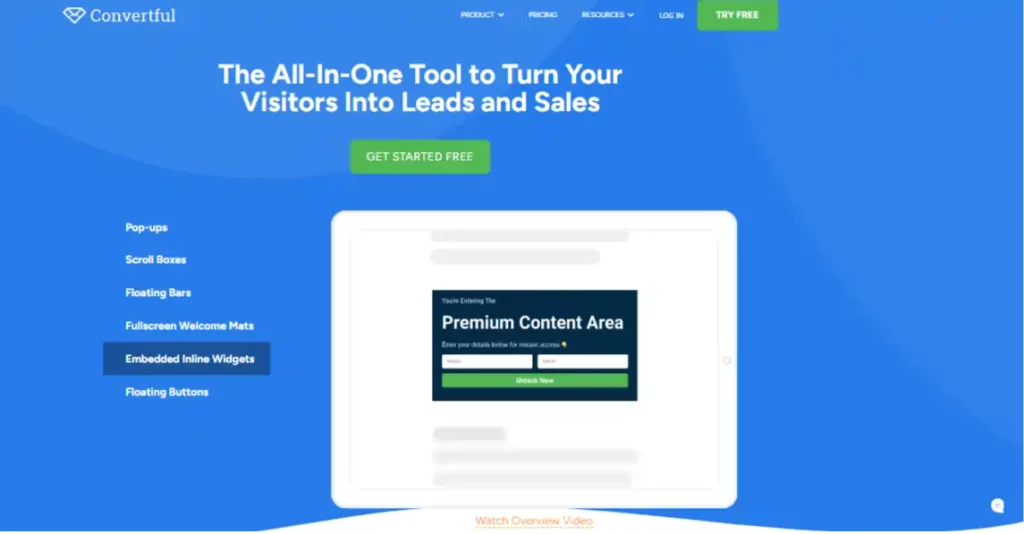
According to statistics, Convertful has helped businesses increase their conversion rates by up to 35%. Convertful is an all-in-one on-site conversion tool that offers a wide range of features to turn visitors into leads and sales. Key features include exit-intent popups, floating bars, inline widgets, scroll boxes, welcome mats, spin-to-win gamification, segmentation surveys, quiz funnels, and more.
Convertful provides a flexible drag-and-drop editor, customizable styles and layouts, advanced targeting options, and seamless integration with popular email marketing platforms and other tools. With its analytics, Convertful helps businesses create high-converting lead generation campaigns without coding.
Convertful Key Features
Convertful Pricing
According to Convertful’s pricing page, their plans start at $29/month for the Basic plan, with the Plus plan at $59/month and the Pro plan at $99/month.
8. Layered Popups

Layered Popups have been helping businesses by enhancing user engagement and conversion rates. According to user reviews, businesses have seen up to a 30% increase in email subscriptions and lead generation after implementing Layered Popups. This plugin offers over 200 professionally designed templates and supports multi-layer animated popups, making it highly customizable.
Key features include a drag-and-drop visual editor, A/B testing, advanced targeting, and integration with popular email marketing services like MailChimp and AWeber. Additionally, it supports various display modes such as on-click, on-exit, and on-scroll, ensuring optimal user interaction.
Layered Popups Key Features
Layered Popups Pricing
Layered Popups is available for a one-time payment of $26 for a regular license.
9. Popup Builder
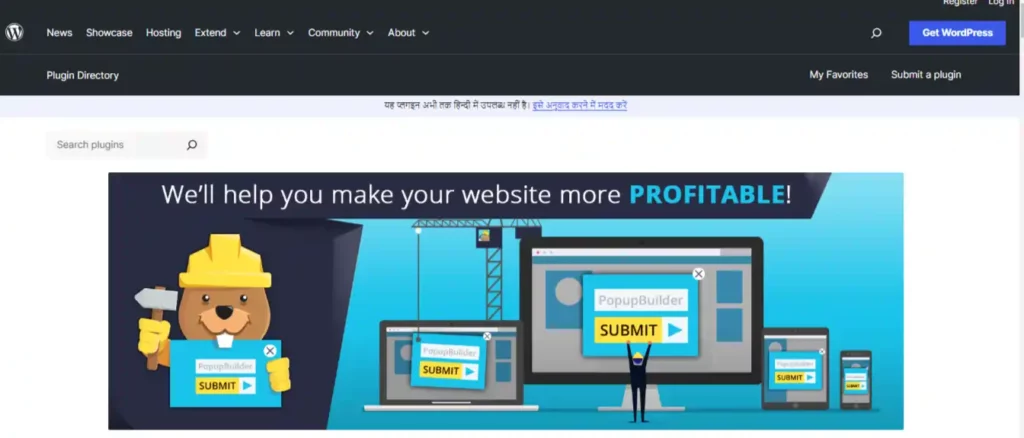
Popup Builder is a powerful WordPress plugin that can help businesses achieve this by creating highly converting, mobile-friendly popups. It offers a wide range of popup types, conditions, and events (from image popups to countdown popups), allowing you to target your buyer persona based on geographic segmentation, demographics, and user behavior.
Key features of Popup Builder include 100% customizable design, integration with third-party plugins like WooCommerce, MailChimp, and Contact Form 7, and the ability to create personalized popups to increase brand awareness.
Popup Builder Key Features
Popup Builder Pricing
The Popup Builder is included in Elementor Pro, which costs $49 per year for a single site license.
10. Unbounce

Unbounce is a powerful popup builder that helps businesses achieve this. It allows you to create targeted popups and sticky bars to present relevant offers and nudge more visitors to convert.
Unbounce offers a drag-and-drop editor, with some good mobile responsiveness, pre-designed templates, behavior-based triggers, visitor targeting, and integrations with popular marketing tools. With Unbounce, you can quickly build and publish high-converting popups without coding, increasing your chances of capturing leads and driving conversions.
Unbounce Key Features
Unbounce Pricing
Unbounce offers 3 different pricing plans including, Essential at $99/month, Premium at $199/month, and Unlimited at $499/month for unlimited domains and visitors.
11. Sumo

Sumo is a versatile plugin designed to enhance website engagement and boost conversions. It offers a suite of tools, including List Builder, Smart Bar, and Scroll Box, which help website owners capture email addresses and grow their subscriber lists. Sumo integrates with major email marketing services like MailChimp and AWeber, ensuring smooth synchronization of subscriber data.
The plugin features customizable templates and advanced targeting options. According to recent data, Sumo is used by over 37,000 online businesses, demonstrating its effectiveness in driving traffic and increasing sales. The free version supports up to one million visits per month, with a pro version available for additional features and advanced analytics.
Sumo Key Features
Sumo Pricing
The Sumo WordPress plugin offers a free plan and paid plans starting at $39/month for Pro and $79/month for Pro+. The paid plans provide additional features like advanced targeting, A/B testing, and priority support.
12. Ninja Popups
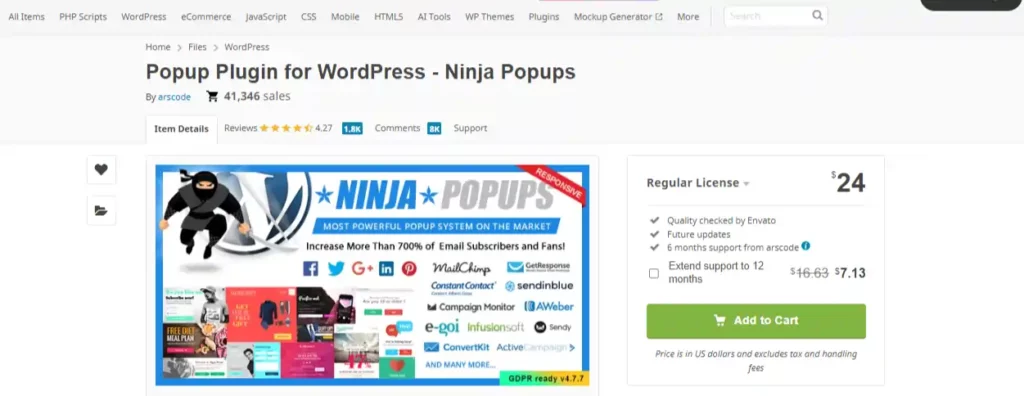
Ninja Popups is a powerful popup plugin for WordPress that combines professionally designed popups to convert visitors into taking desired actions. It offers features like exit-intent popups, scroll-triggered popups, A/B testing, drag-and-drop editor, integration with popular email marketing services, and detailed analytics.
With its highly customizable options and integration with Ninja Forms, Ninja Popups can significantly increase your lead generation and sales by capturing user attention at the right moment.
Ninja Popups Key Features
Ninja Popups Pricing
The pricing plan for Ninja Popups is a one-time payment of $26 for a regular license and $130 for an extended license. The extended license allows use on unlimited websites for clients/employers.
13. Popupsmart
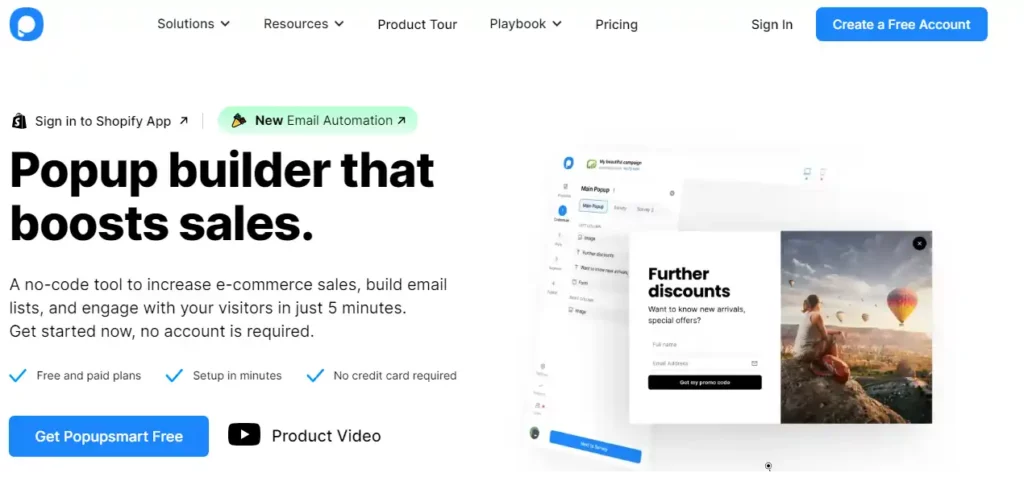
Popupsmart is a no-code popup builder designed to enhance e-commerce sales, build email lists, and engage visitors effectively. It offers a drag-and-drop interface, making it easy to create and customize popups without any coding skills. With over 18 targeting options, including exit-intent, geo-location, and scroll triggers, Popupsmart ensures precise audience targeting.
The platform supports integration with popular email marketing services and CRM tools, enhancing marketing automation. Additionally, Popupsmart features advanced analytics, gamification elements, and a wide range of templates, making it a powerful tool for boosting conversion rates and improving user experience
Popupsmart Key Features
Popupsmart Pricings
Popupsmart offers three pricing plans: Free, Pro ($99/year), and Agency ($199/year). The Pro plan includes advanced targeting, A/B testing, and integrations, while the Agency plan adds unlimited sites and priority support.
Tips for Creating High-Converting Popups

Creating high-converting popups requires a strategic approach that combines visual appeal, persuasive copy, and psychological triggers. Here are some key factors to consider
- Prioritize relevance by tailoring the popup content to the user’s journey on your website. Offer something valuable based on the page they’re viewing or their browsing behavior.
- Implement smart targeting by segmenting your audience and displaying popups to specific user groups, such as first-time visitors, returning customers, or those from particular locations.
- Experiment with different popup types, such as slide-ins, full-screen overlays, or top/bottom bars, to find the most effective format for your goals and audience preferences.
- Conduct A/B testing to continuously refine and improve your popup designs, testing elements like headlines, copy, visuals, and calls-to-action to maximize conversions.
Common Queries Related to WordPress Popup Plugins
How Can I Implement Exit-Intent Technology with WordPress Popup Plugins?
Most premium popup plugins offer exit-intent detection to trigger popups when visitors are about to leave your site.
What are the Best Practices for A/B Testing Popups?
Set a minimum sample size, test one variable at a time, and use statistical significance for reliable results.
How do I Integrate WordPress Popup Plugins with Email Marketing Services?
Look for plugins with native integrations or use HTML embed codes from your email service provider.
Can WordPress Popup Plugins Detect and Target Based on Visitor Devices?
Yes, advanced targeting options in many plugins allow displaying different popups based on mobile, tablet, or desktop devices.
What Coding Skills Are Required to Customize the Design of Popups?
Most plugins offer drag-and-drop builders, but advanced customization may require knowledge of HTML, CSS, and JavaScript.
How Can I Ensure GDPR Compliance with WordPress Popup Plugins?
Use plugins with cookie consent management, don’t make opt-ins pre-checked, and allow easy opt-out from subscriptions.
Do WordPress Popup Plugins offer Geolocation Targeting Capabilities?
Yes, many premium plugins can detect a visitor’s geographic location and display relevant popups accordingly.
What are Some Best Practices for Optimizing Popup Load Times?
Minimize HTTP requests, leverage browser caching, optimize images, and use a content delivery network (CDN).
How do I Track and Analyze Popup Impressions and Conversions?
Look for plugins with built-in analytics or integration with Google Analytics for detailed popup performance metrics.
Can WordPress Popup Plugins be Used for Abandoned Cart Recovery?
Yes, some e-commerce-focused plugins can detect abandoned carts and trigger cart recovery popups with special offers.
End Note
Whew, that was quite a journey through the world of WordPress popup plugins! By now, you should have a solid understanding of the top contenders and what they bring to the table.
Even though the popups can help in giving some great results, it’s worth mentioning that popups are like seasoning – a little goes a long way. Use them judiciously and always keep the user experience in mind. With the right plugin and a strategic approach, popups can be a powerful tool in your WordPress toolkit.
So, what are you waiting for?
Start poppin’
🚀 Get Exclusive Affiliate Marketing Secrets🚀
Discover the strategies, tools, and tactics used by the top 1% of affiliate earners!

Join 69,572+ Affiliates already leveling up their game
Affiliate Disclosure: This post may contain some affiliate links, which means we may receive a commission if you purchase something that we recommend at no additional cost for you (none whatsoever!)