Ever feel like your site’s playing hide-and-seek with Google? Don’t worry, you’re not alone. I’ve been there too, and it’s frustrating. But here’s the good news: WordPress SEO plugins can be a real turning point.
I’ve spent years testing different SEO tools, and I’m excited to share my top 13 picks for WordPress SEO Plugins. If you’re looking to improve your on-page optimization, tackle technical SEO issues, or plunge into keyword research, these plugins have got you covered. They’ll help you create SEO-friendly content, generate XML sitemaps, and even optimize for local SEO.
Now, let’s hop into our list of top WordPress SEO plugins and find out which one is meant to be your SEO ally!
75% of users never scroll past the first page of search results? That’s why nailing your WordPress SEO is so crucial.
How Can WordPress SEO Plugins Improve Your Site’s Technical Optimization and Crawlability?

WordPress SEO plugins are powerful tools that can significantly enhance your site’s technical optimization and crawlability. Here’s how they can help:
Must-Have WordPress SEO Plugins for Better Ranking
| 🔧 Tool Name | 🎯 Key Features | 💰 Pricing | 🌟 User Rating |
|---|---|---|---|
| Yoast SEO | Content analysis XML sitemaps Meta tags | $99/year | 4.9/5 |
| Rank Math | Advanced tracking SEO recommendations | Free & Premium | 4.8/5 |
| CrawlWP | Instant indexing SEO performance tracking | Free & Premium | 4.9/5 |
| All in One SEO | User-friendly dashboard Social media integration | Free & Premium | 4.7/5 |
| SEOPress | On-page optimization Google Analytics integration | $39/year | 4.6/5 |
| The SEO Framework | Lightweight Privacy-focused | Free & Premium | 4.5/5 |
| Schema Pro | Structured data support Snippet previews | $79/year | 4.6/5 |
| Link Whisper | Internal linking suggestions Efficiency tools | $49/year | 4.4/5 |
| Redirection | 301 redirects manager Easy setup | Free | 4.1/5 |
| WP Rocket | Caching Speed optimization | $49/year | 4.6/5 |
| Frase | Import SEO-optimized content directly to WordPress | From $15/mo | 4.5/5 |
| MonsterInsights | Detailed analytics User behavior tracking | $199/year | 4.5/5 |
1. Yoast SEO

First on our list of WordPress SEO Plugins for SEO Optimization is Yoast SEO, a powerhouse tool for enhancing your website’s search engine visibility. This complete SEO solution offers a range of features to optimize your content and improve your search rankings.
Yoast SEO provides real-time content analysis, helping you craft SEO-friendly posts and pages with ease. It offers guidance on keyword usage, readability, and meta descriptions, ensuring your content is both user-friendly and search engine optimized. It also generates XML sitemaps automatically, improving your site’s crawlability.
With its schema markup implementation, Yoast SEO helps search engines better understand your content, potentially leading to rich snippets in search results. The plugin’s social media integration allows you to control how your content appears when shared on platforms like Facebook and Twitter.
Yoast SEO Pros and Cons
- Automated technical SEO improvements.
- Advanced XML sitemapsfor better indexing.
- Schema.org integration for rich results.
- User-friendly interface with easy setup.
- Premium features require payment.
- Can be resource-intensive on some servers.
Yoast SEO Key Highlights
2. Rank Math
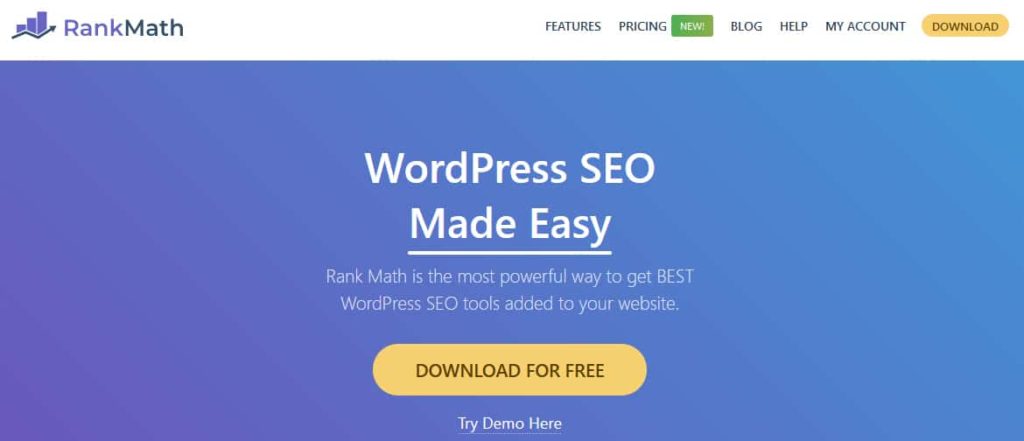
Moving forward in our list of WordPress SEO Plugins for SEO Optimization, comes Rank Math. This powerful SEO plugin has quickly become a favorite among WordPress users. Rank Math offers a great suite of tools to improve your website’s search engine visibility. With features like keyword optimization, schema markup, and XML sitemaps, it streamlines the SEO process.
Rank Math stands out with its content analysis tool, providing real-time suggestions to improve your posts’ SEO. It also integrates seamlessly with popular WordPress themes and plugins, enhancing overall site performance. The plugin’s local SEO features and Google Search Console integration provide valuable insights for businesses targeting specific geographic areas.
With both free and premium versions available, Rank Math serves a wide range of users, from bloggers to e-commerce sites, making it a versatile choice for WordPress SEO optimization.
Rank Math Pros and Cons
- User-friendly interface.
- Complete SEO features.
- Advanced schema support.
- Google Analytics integration.
- Can be overwhelming for beginners.
- Limited free support.
Rank Math Key Highlights
3. CrawlWP
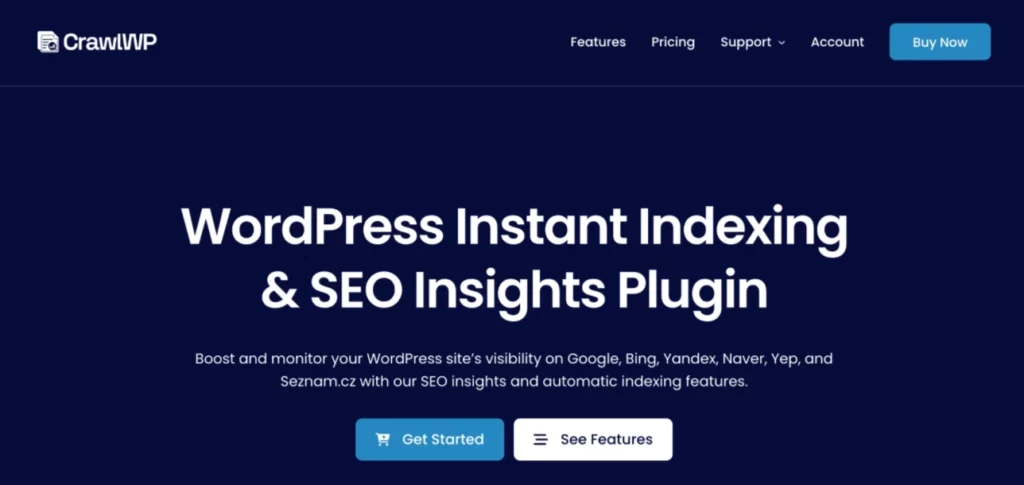
CrawlWP is a WordPress SEO plugin that helps search engines discover and index your website. It automatically alerts search engines whenever you publish or update your content. It connects directly to Microsoft Bing and Google Search Console to give website owners reports on how well their pages perform in search results.
The plugin makes it easy to monitor the index status of every post and page on your website. It automatically fetches URL Inspection data, checks for indexing issues, and highlights SEO problems that may prevent pages from showing in search results.
CrawlWP Pros and Cons
- View index statuses of posts and pages
- Integration with Bing and Google Search Console.
- Submit content to search engines for indexing.
- Helps new content get indexed faster
- Advanced features are available only in the premium version.
CrawlWP Key Highlights
4. All-in-One SEO

When it comes to WordPress Plugins for SEO Optimization, All in One SEO (AIOSEO) stands out as an excellent solution for enhancing your website’s search engine visibility. This powerful plugin offers a user-friendly interface, making it accessible for both beginners and seasoned webmasters. AIOSEO provides essential features like meta tag optimization, XML sitemap generation, and social media integration to ensure your content is easily discoverable by search engines and shared across platforms.
One of the standout features of All in One SEO is its TruSEO on-page analysis, which offers actionable insights to improve your content’s SEO performance. The plugin also supports schema markup, helping search engines understand the context of your content, which can lead to enhanced visibility through rich snippets. With its focus on local SEO, AIOSEO is ideal for businesses looking to attract local customers.
Pros and Cons of All-in-One SEO
- Great integration with popular tools.
- Advanced search statistics and insights.
- Automated internal link building.
- Complete support for local SEO.
- Some features require premium version.
- Can be overwhelming for beginners.
All-in-One SEO Key Highlights
5. SEOPress

SEOPress offers a complete suite of features for WordPress SEO optimization, making it a top choice among webmasters and content creators. This powerful plugin combines on-page and technical SEO tools to improve your site’s search engine visibility. SEOPress provides essential functionalities like meta title and description optimization, XML sitemap generation, and content analysis. It also offers advanced features such as schema markup implementation, social media integration, and Google Analytics tracking.
The SEOPress’s user-friendly interface makes it accessible for beginners while offering depth for experienced users. SEOPress stands out with its white-label option and WooCommerce integration, serving agencies and e-commerce sites. With both free and premium versions available, SEOPress adapts to various needs and budgets. Its regular updates ensure compatibility with the latest WordPress versions and SEO best practices.
SEOPress Pros and Cons
- All-in-one SEO solution.
- AI-powered content optimization.
- Affordable pricing ($49/year for 5 sites).
- White label and no ads.
- Learning Period for beginners.
- Tough customization options.
SEOPress Key Highlights
6. The SEO Framework

Among the listed WordPress SEO plugins, The SEO Framework stands out as a lightweight yet powerful option. This plugin offers a user-friendly interface and a range of features designed to enhance your site’s SEO performance. It provides automatic optimization for titles, meta descriptions, and Open Graph tags, helping to improve your content’s visibility in search results and social media platforms.
The SEO Framework also generates XML sitemaps, which aid search engines in crawling and indexing your site more efficiently. One of its unique selling points is its focus on privacy and clean code, making it an excellent choice for those concerned about site speed and data protection.
SEO Framework offers both free and premium versions, catering to different user needs and budgets. With its intuitive settings and full approach to on-page SEO, The SEO Framework helps website owners improve their organic traffic and search engine rankings without overwhelming them with complex options.
The SEO Framework Pros and Cons
- Lightweight and fast.
- No ads or branding.
- Privacy-focused design.
- Automated SEO meta tags.
- Limited advanced features.
- Basic support in free version.
The SEO Framework Key Highlights
7. Schema Pro

Schema Pro is a powerful WordPress plugin that offers healthy structured data implementation for SEO optimization. This tool simplifies the process of adding schema markup to your website, enhancing your content’s visibility in search engine results pages (SERPs). Schema Pro supports various schema types, including Article, Product, Review, and Local Business, allowing you to provide search engines with detailed information about your content.
Schema Pro’s user-friendly interface makes it easy for both beginners and advanced users to add schema markup without coding knowledge. Schema Pro integrates seamlessly with popular page builders and offers automatic schema generation based on your existing content. With its excellent schema support and regular updates to align with search engine guidelines, Schema Pro is an important tool for WordPress site owners looking to improve their SEO performance and stand out in search results.
Schema Pro Pros and Cons
- Automated Schema Markup for efficiency.
- Supports 20+ Schema Types for versatility.
- Quick & Easy Setup without coding.
- Integration with Yoast for enhanced SEO.
- Limited Customization for advanced users.
- Requires Annual Subscription for updates.
Schema Pro Key Highlights
8. Link Whisper
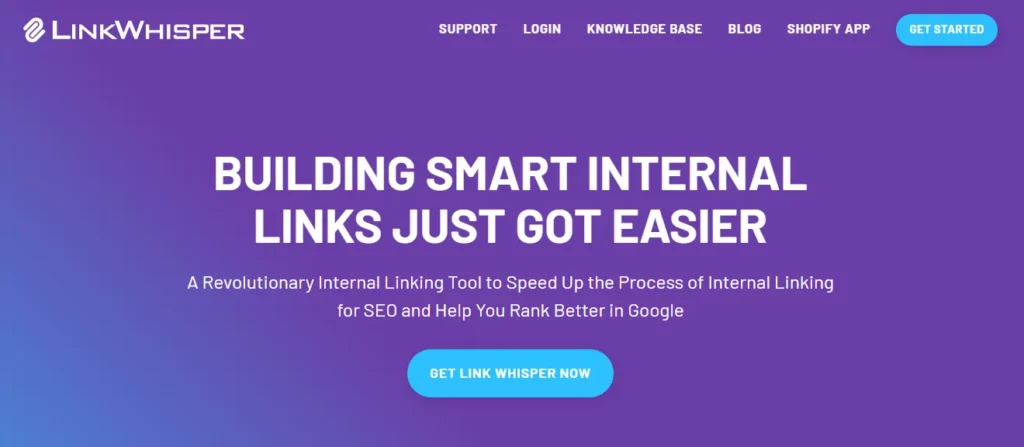
Securing the 7th position among the Best WordPress Plugins for SEO Optimization, Link Whisper is a great internal linking tool. This plugin uses advanced natural language processing to analyze your content and suggest relevant internal links, saving time and improving your site’s SEO structure. Link Whisper offers features like automatic link suggestions, bulk linking options, and detailed reports on your site’s internal link profile.
Link Whisper simply integrates with popular SEO plugins and can import target keywords from tools like Yoast SEO and Rank Math. The plugin’s user-friendly interface makes it easy to add, edit, or remove links across your entire website. With its ability to identify orphaned content and provide click tracking for internal links, Link Whisper helps improve your site’s visibility and user engagement.
Link Whisper Pros and Cons
- Automatic internal link suggestions.
- Reduces orphan content.
- Auto-linking feature for keywords.
- Integrates with Google Search Console.
- Requires WordPress knowledge.
- Limited to WordPress sites.
Link Whisper Key Highlights
9. Broken Link Checker

Considering other WordPress Plugins for SEO Optimization, the Broken Link Checker is an important tool for maintaining a healthy website. This plugin diligently scans your site to identify broken links, which can harm your site’s SEO performance and user experience. Broken links can lead to a higher bounce rate and negatively impact your search engine rankings.
The Broken Link Checker offers real-time monitoring and alerts you whenever a broken link is detected, allowing you to fix issues promptly. This proactive approach helps maintain your site’s credibility and enhances crawlability, ensuring search engines can index your content efficiently. Moreover, fixing broken links can improve your site’s user experience, making it more engaging and trustworthy for visitors.
With its easy-to-use interface, the Broken Link Checker simplifies the process of managing links, saving you time and effort. It supports various types of content, including posts, pages, and comments, ensuring comprehensive coverage across your site.
Pros and Cons of Broken Link Checker
- Fast and Accurate detection.
- Unlimited broken link checks.
- Automated scanning capabilities.
- Excellent reporting features.
- Cloud version requires WPMU DEV connection.
- Potential slowdowns on large sites.
Broken Link Checker Key Highlights
10. Redirection

Redirection is an excellent WordPress plugin designed to enhance your site’s SEO performance through effective redirect management. This tool is important for maintaining your site’s link equity and preventing 404 errors, which can negatively impact your search engine rankings.
Redirection offers a user-friendly interface to create and manage 301 redirects, monitor 404 errors, and streamline your site’s URL structure. Redirection supports advanced redirect options, including regex patterns and conditional redirects based on user status, browser type, or referrer. The plugin’s logging feature provides valuable insights into redirect performance and helps identify potential issues.
Redirection also offers seamless integration with Apache and Nginx servers, allowing for server-level redirect implementation. With its ability to import and export redirects in various formats, Redirection simplifies the process of migrating or backing up your redirect rules.
Redirection Pros and Cons
- Easy to use redirect manager.
- Monitors permalink changes automatically.
- Supports regular expressions.
- Logs 404 errors and redirects.
- Can impact site performance if overused.
- Learning curve for advanced features.
Redirection Key Highlights
11. WP Rocket

WP Rocket is a WordPress performance optimization plugin that can significantly improve your site’s SEO. As one of the best WordPress SEO plugins, WP Rocket offers a range of features to improve page speed and user experience. It automatically enables key optimizations like page caching, browser caching, and GZIP compression upon activation.
WP Rocket also provides advanced options for minifying and combining CSS and JavaScript files, deferring JavaScript loading, and implementing lazy loading for images. WP Rocket’s cache preloading feature ensures that search engines always access cached versions of your pages, improving crawlability and indexing.
With its CDN integration and database optimization tools, WP Rocket helps reduce server load and improve overall site performance. The plugin is compatible with popular e-commerce platforms like WooCommerce and integrates seamlessly with other SEO plugins.
WP Rocket Pros and Cons
- User-friendly interface.
- Efficient caching system.
- Database optimization tools.
- CSS/JS file minification.
- Limited hosting of fonts/analytics.
- RocketCDN lacks advanced features.
WP Rocket Key Highlights
12. Frase

When it comes to WordPress Plugins for SEO Optimization, Frase always comes out as a great tool that enhances both new and existing content. Frase uses advanced AI to simplify the content creation process, helping users generate SEO-optimized articles faster and more efficiently.
One of Frase’s standout features is its ability to conduct SERP-based research, which allows users to understand what top-ranking competitors are doing right. This insight is crucial for optimizing content and ensuring it meets current SEO standards. Frase’s AI-driven platform offers tools for creating detailed content briefs, complete with suggested headings, keywords, and subtopics, all designed to enhance your site’s visibility.
Frase also excels in content optimization by providing a proprietary topic score. This score helps users gauge their content’s potential ranking power and offers actionable insights for improvement. Moreover, Frase supports greatly integration with platforms like Google Docs and WordPress, making it easy to optimize content directly within your existing workflow.
Frase Pros and Cons
- Reduces content creation time.
- Easy Google Search Console integration.
- User-friendly for beginners.
- Offers healthy content planning tools.
- Limited free version features.
- Higher cost for advanced plans.
Frase Key Highlights
13. MonsterInsights

MonsterInsights rounds out our list of top WordPress plugins for SEO optimization, offering an excellent solution for integrating Google Analytics with your WordPress site. This user-friendly plugin simplifies the process of tracking and analyzing your website’s performance, providing valuable insights directly in your WordPress dashboard.
MonsterInsights offers real-time statistics, eCommerce tracking, and custom dimension tracking, making it easier to understand user behavior and optimize your content strategy. With features like enhanced link attribution and event tracking, it helps you make data-driven decisions to improve your site’s SEO.
MonsterInsights integration with popular WordPress themes and plugins ensures compatibility across various setups. MonsterInsights also supports Google Analytics 4, keeping your site up-to-date with the latest analytics technology.
MonsterInsights Pros and Cons
- Easy Google Analytics integration.
- Real-time data insights.
- User-friendly interface
- superb eCommerce tracking
- Relies heavily on Google Analytics.
- Advanced features can be complex.
MonsterInsights Key Highlights
Impact of WordPress SEO Plugins on Page Speed
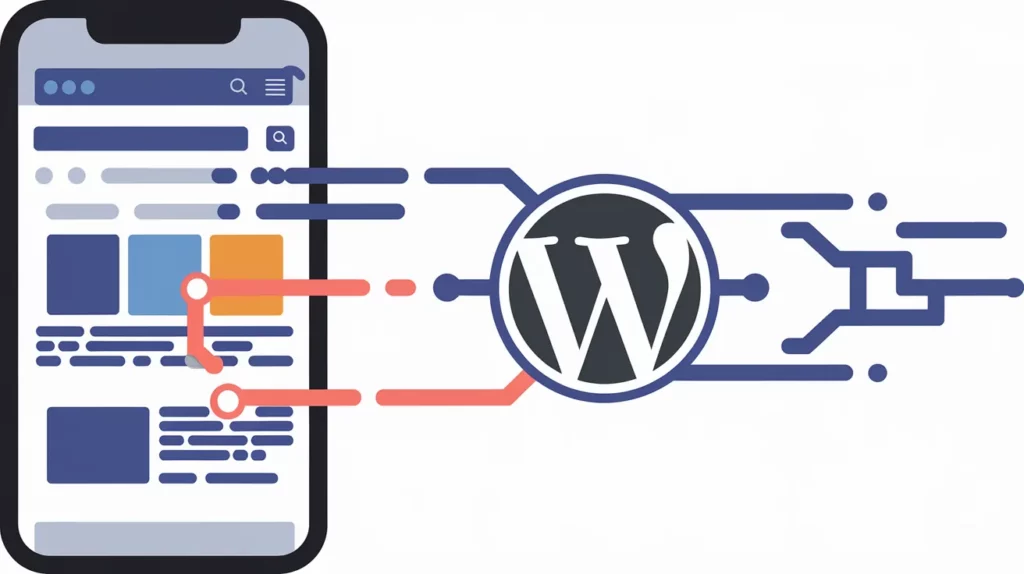
WordPress SEO plugins play a crucial role in enhancing mobile optimization and page speed, two critical factors for search engine rankings and user experience. These plugins offer a range of features that directly impact how well a website performs on mobile devices and how quickly it loads.
Mobile Optimization
In mobile-friendly search ranking, having a mobile-friendly website is non-negotiable. WordPress SEO plugins contribute to mobile optimization in several ways:
Page Speed Optimization
Page speed is an important ranking factor, especially for mobile searches. WordPress SEO plugins impact page speed through various optimizations:
Statistical Impact
Research shows that these optimizations can have a significant impact:
Using WordPress SEO plugins for mobile optimization and page speed improvements, website owners can enhance their search engine rankings, improve user experience, and ultimately drive more conversions. It’s most important to choose plugins that offer a balance of SEO features and performance optimizations to achieve the best results for your WordPress site.
Quenching Common Queries Related to WordPress SEO Plugins
How do WordPress SEO Plugins impact Site Loading Speed?
SEO plugins can affect loading speed by adding scripts. However, most modern plugins are optimized for performance, with minimal impact when configured correctly.
Can Multiple SEO Plugins be Used Simultaneously?
It’s not recommended. Using multiple SEO plugins can cause conflicts, duplicate content issues, and negatively impact site performance. Choose one comprehensive plugin instead.
How do SEO Plugins Handle Structured Data Implementation?
Many SEO plugins offer built-in schema markup generators, allowing easy implementation of structured data for rich snippets and enhanced SERP visibility.
What’s the Difference Between Free and Premium Versions of SEO Plugins?
Premium versions typically offer advanced features like content optimization tools, redirect managers, and priority support, while free versions cover basic SEO needs.
How do SEO Plugins Integrate with Google Search Console?
Most top SEO plugins offer direct integration with Google Search Console, allowing you to view search analytics and submit sitemaps directly from WordPress.
Can SEO Plugins Automatically Generate Meta Descriptions?
Yes, many SEO plugins can auto-generate meta descriptions based on-page content, but manual customization is recommended for optimal results.
How do SEO Plugins Handle Multilingual Websites?
Advanced SEO plugins offer multilingual support, allowing you to optimize content for different languages and implement hreflang tags for international SEO.
What Role do SEO Plugins play in Mobile Optimization?
SEO plugins often include mobile preview features and provide recommendations for mobile-friendly content, contributing to better mobile SEO performance.
How do SEO Plugins Assist with Keyword Research and Optimization?
Many plugins offer keyword suggestion tools, content analysis features, and integration with third-party keyword research tools to enhance on-page optimization.
Can SEO Plugins Help With Local SEO Optimization?
Yes, several SEO plugins offer local SEO features, including tools for optimizing Google My Business listings and implementing local schema markup.
From Zero to Hero with WordPress SEO Plugins
Wow, what a journey through the top WordPress SEO plugins! These tools are a real turning point for your site’s search engine visibility. From on-page optimization to technical SEO, they’ve got all bases covered.
Remember, 93% of online experiences start with a search engine. That’s huge! That’s why optimizing your WordPress site is so important. These plugins make it easier than ever. I’ve seen sites go from zero to hero with the right SEO tools. One of my clients saw their organic traffic skyrocket by 150% in just three months. That’s the power of good SEO optimization!
But here’s the deal: Plugins are just the start. You need to pair them with quality content and a solid keyword strategy. It’s about the whole package – content, technical SEO, and user experience. Apart from all this, focus on meta tags, XML sitemaps, and schema markup. Don’t forget about mobile optimization and page speed – they’re most important for SEO success.
Let’s get your WordPress site the attention it deserves!
You May Also Read:
- Top 11 WordPress Popup Plugins
- Top 3 Premium WordPress SEO Plugins
- Top 9 WordPress Translation Plugins For Multilingual Site
- 8 Best WordPress Cache Plugins
🚀 Get Exclusive Affiliate Marketing Secrets🚀
Discover the strategies, tools, and tactics used by the top 1% of affiliate earners!

Join 69,572+ Affiliates already leveling up their game
Affiliate Disclosure: This post may contain some affiliate links, which means we may receive a commission if you purchase something that we recommend at no additional cost for you (none whatsoever!)